


Give Your Team Their Own Logins on XBO.com
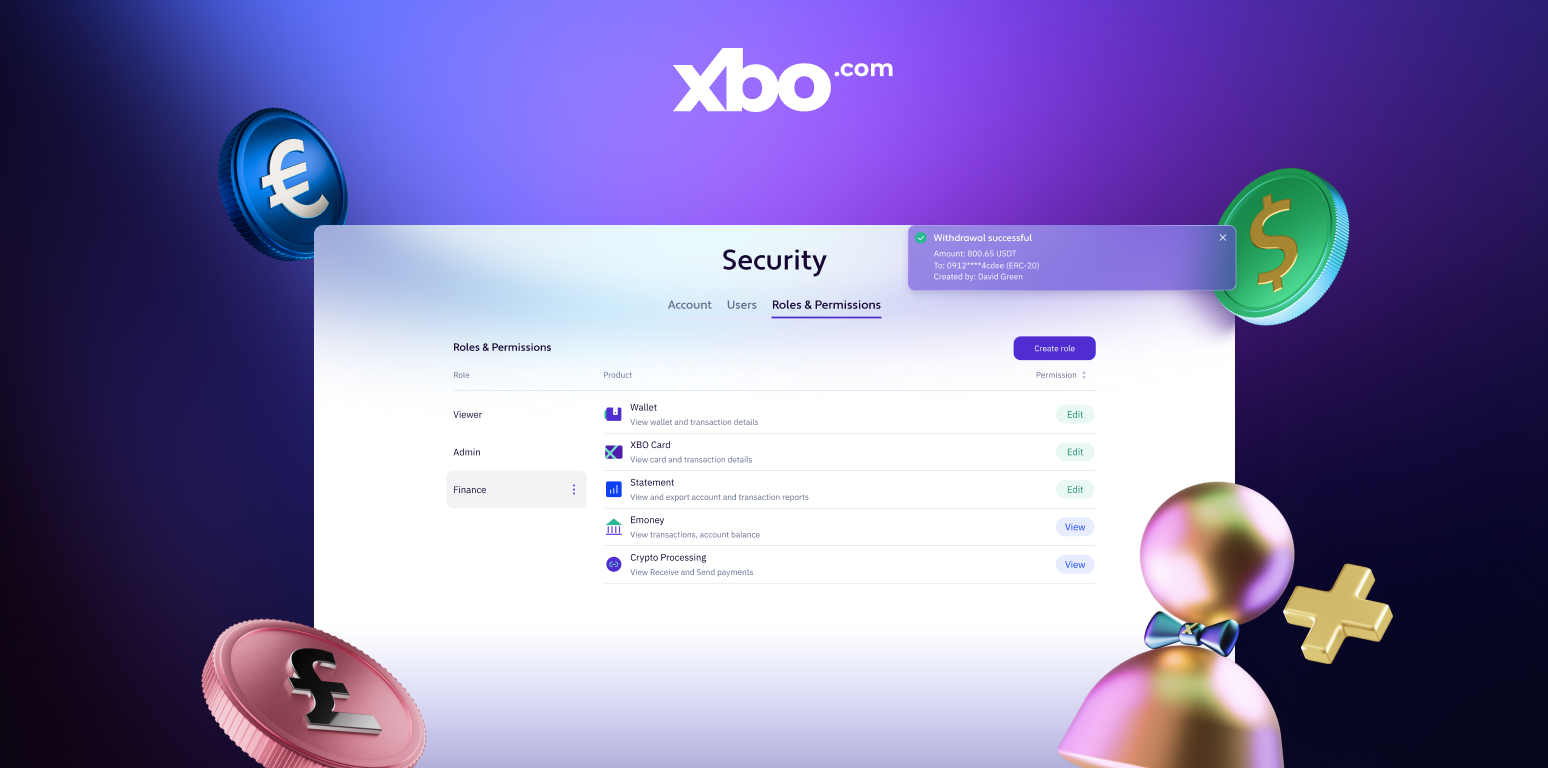
XBO.com now offers a new way for businesses to manage team access. Instead of everyone sharing one set of account credentials, you can give each team member their own login with a defined access level.
If you run an XBO.com business account that several people use, this new feature can change how your team signs in.
You can see how it works in the video below:
The update brings individual logins, per-person access controls, and separate security to every team member on a business account.
Access levels
When you add a team member, you decide what they can do. There are three access levels to choose from:
- Full access. The team member can use every part of the account, including managing other users, inviting new ones, and editing their access. This is the level the primary account holder has by default.
- View only. The team member can see every section but cannot make any changes. This suits people who need visibility into the account without the ability to act.
- You set access area by area, across Wallet, Convert, and Trade. Each area can be set to no access, view-only, or full editing access.
How to add a team member
Setting up an individual login for a team member takes a few steps:
- From the new Users tab on your Security page, you invite a team member by email and phone and set their access level. They appear as Pending and receive an activation email.
- The team member sets their own password from the link in that email.
- They confirm a one-time code sent via SMS, WhatsApp, or Telegram. Their status becomes Active, and they can sign in.
Security
Every team member manages their own login. Each person sets and changes their password and two-factor authentication, and a password reset can only be sent to that user's email. No one else can reset it on their behalf.
User-management actions, such as inviting or editing team members, are confirmed with the same two-factor authentication the account uses for withdrawals, so changes to your team's access stay protected.
Availability
This feature is available for business accounts with Pro verification and above, for up to 100 users per account. Added team members can sign in to XBO.com on the web version only. Mobile access is reserved for the primary account holder.
Individual team logins with defined access are live for businesses on XBO.com, ready to be set up from your account's Security page.